Fast Set Logging
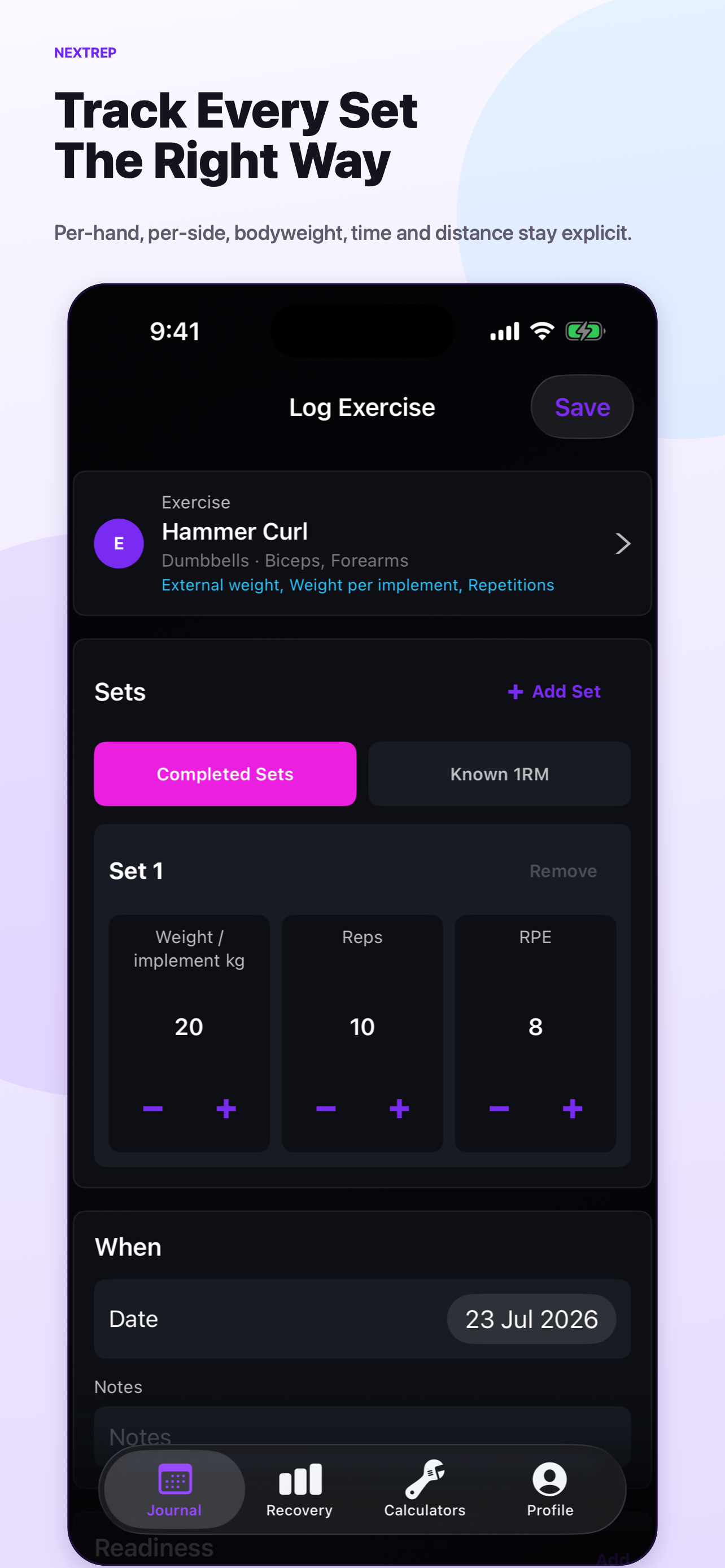
Edit weight, reps, RPE, and notes set by set. Add or remove sets without losing sight of the values.
NextRep keeps your calendar, workouts, estimated muscle recovery, records, and training tools in one clear journal—without an account or cloud backend.
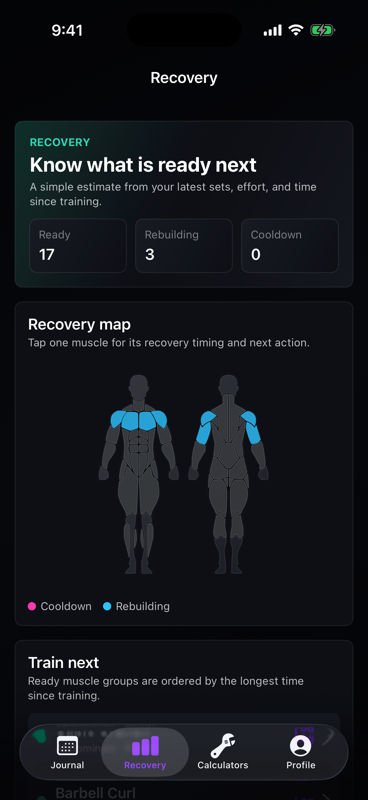
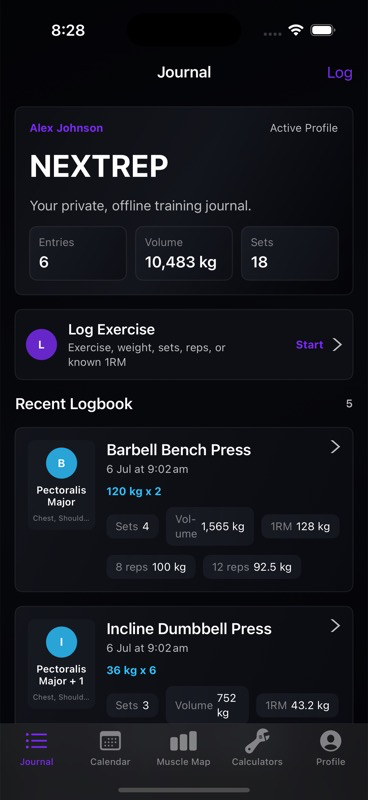
NextRep keeps the core lifting workflows simple: enter readable numbers, find a past workout, understand active recovery, and follow progress without duplicate screens.
Edit weight, reps, RPE, and notes set by set. Add or remove sets without losing sight of the values.
Choose a day, see its detailed workout cards, and add past sessions with that date already selected.
See muscles still in cooldown or rebuilding, then tap one for timing, recent workload, and a clear next action.
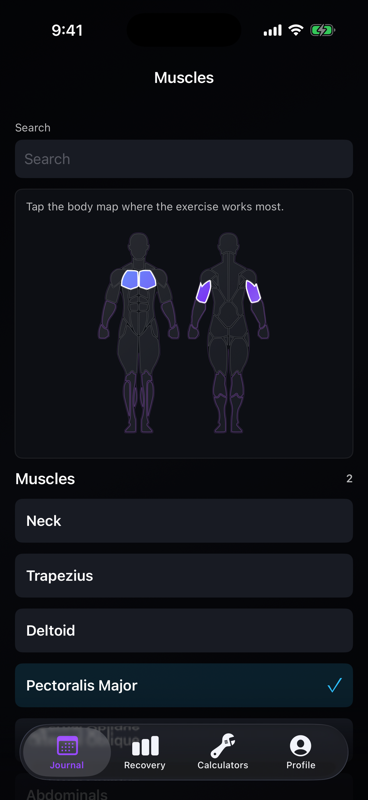
Search equipment, select primary and secondary muscles on the body map, and let NextRep infer the category.
Track total or per-implement weight, per-side reps, bodyweight with added or assisted load, and separate repetition, time, and distance work. Load volume uses external resistance × reps so bodyweight work is not mixed with barbell tonnage, and 1RM estimates use sets of 1–12 reps.
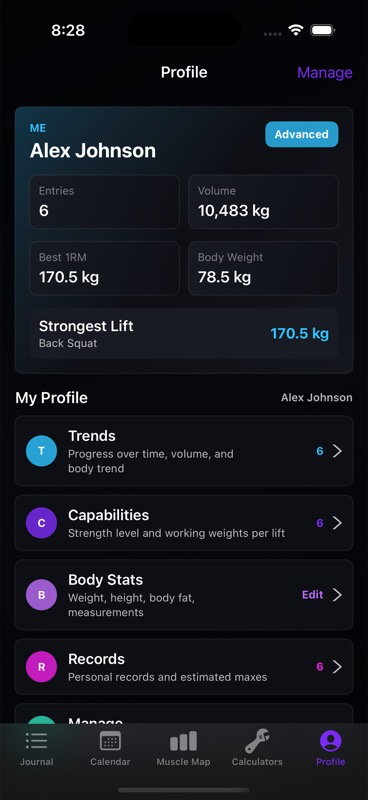
Follow records and measurements, then share a limited training summary with NextCoach automatically or as a temporary file—without cloud sync.
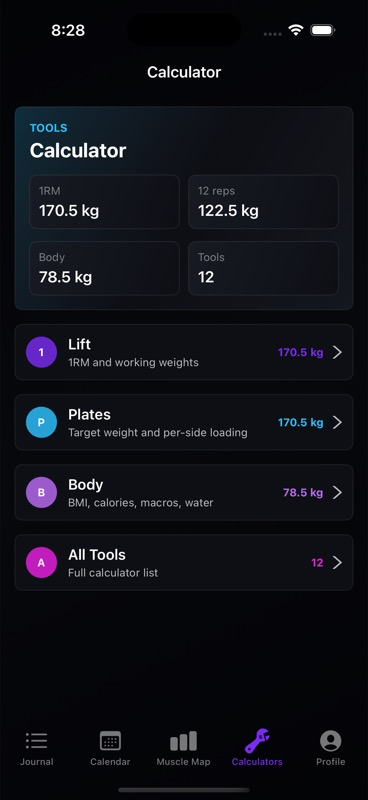
Journal, logging, recovery, exercise setup, calculators, and profile each have one clear job.
NextRep does not require an account, internet connection, backend, ads, or remote journal sync. Workout and body data stays on the device unless you choose to export, share, back up, or move it through your operating system. If you use NextCoach sharing, NextRep exposes only a local summary of workout completion, readiness, energy, body weight, and best exercise sets; notes, photos, age, height, and calculator history are excluded. Recovery statuses are estimates from your logged sets, effort, and time since training—not medical advice.